 Scrole
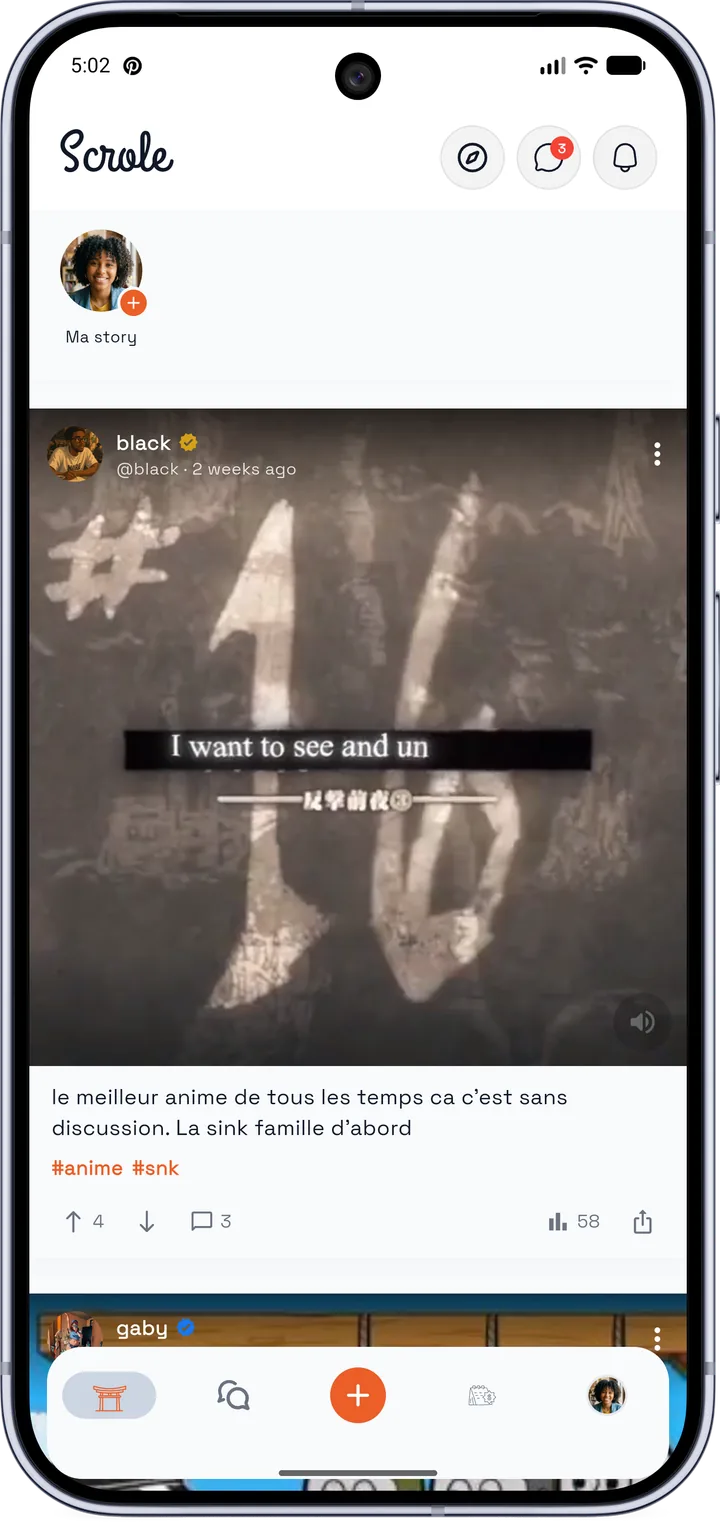
Scrole, the app for Africa’s otaku and geek community
Find otaku events near you (anime, manga, cosplay, video games), join fans in Cameroon, across Africa and in Europe, and chat with them before you arrive.
Scrole isn’t on the Play Store yet. Here’s how to install it in 2 minutes. Also available on Aptoide.
The otaku community, wherever you are
Anime, manga, cosplay, video games, K-pop, e-sport: Scrole brings together fans of otaku and geek culture, in Cameroon as well as elsewhere in Africa and in Europe.
Otaku community
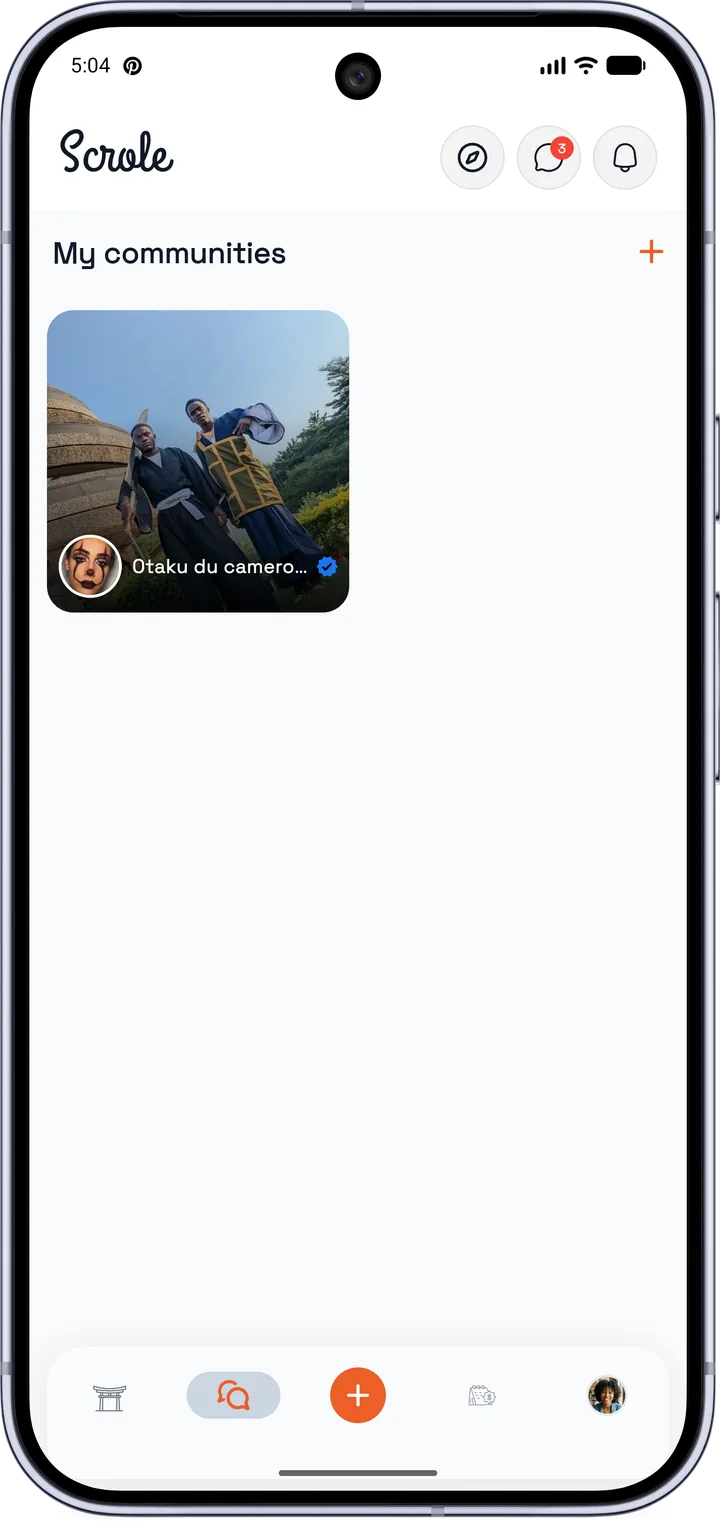
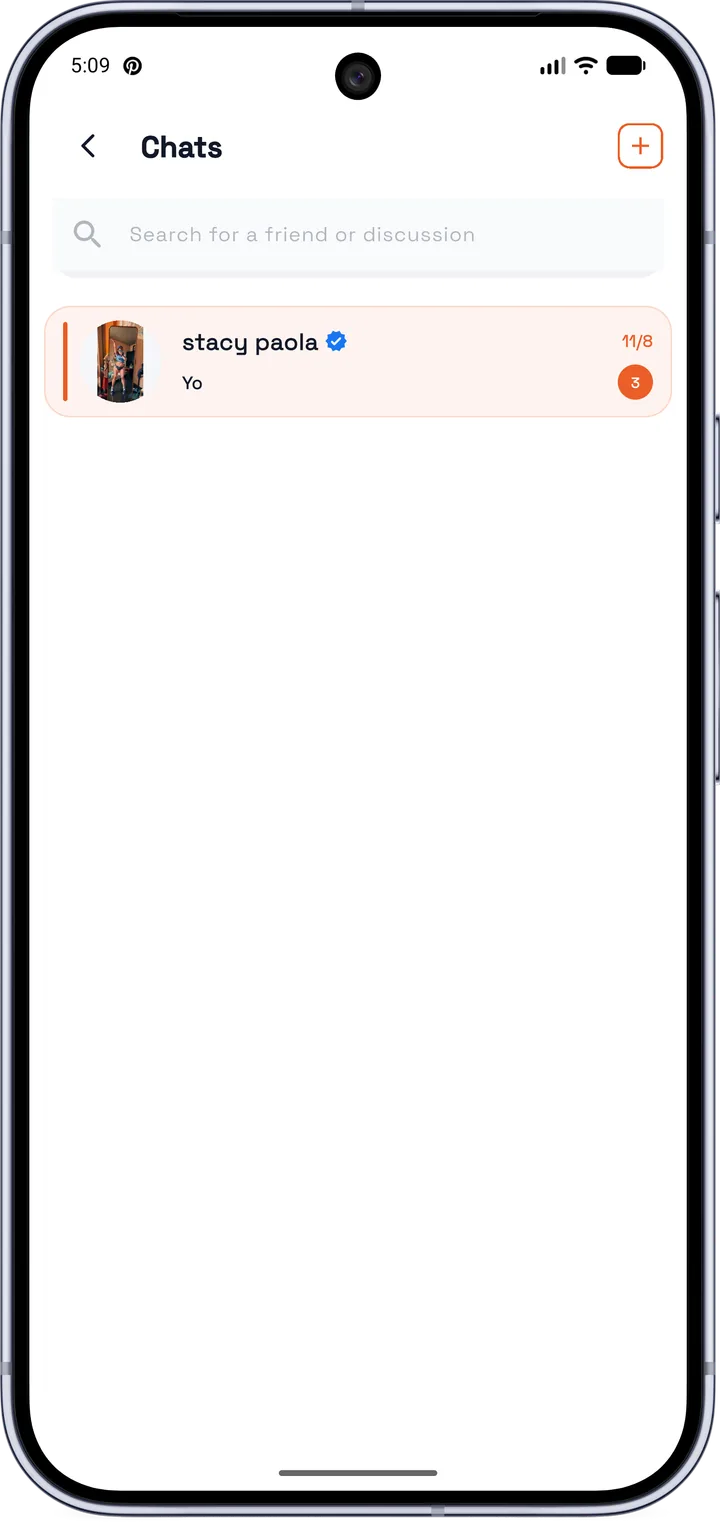
Join communities of anime and manga fans, chat in private messages and meet up in real life.
Learn more →Otaku events
Conventions, cosplay, anime nights, video game tournaments: find out what’s on near you.
Learn more →Otaku culture in Africa
The guide to otaku vocabulary, getting started and meeting other fans.
Learn more →Cameroon, Africa, Europe: wherever you live
Whether you are in Yaoundé, Douala, elsewhere in French- or English-speaking Africa, or in the diaspora in Europe, Scrole connects you with the fans and events around you.
Everything for your otaku and geek events
From discovery to the entrance, Scrole keeps it all in one place.
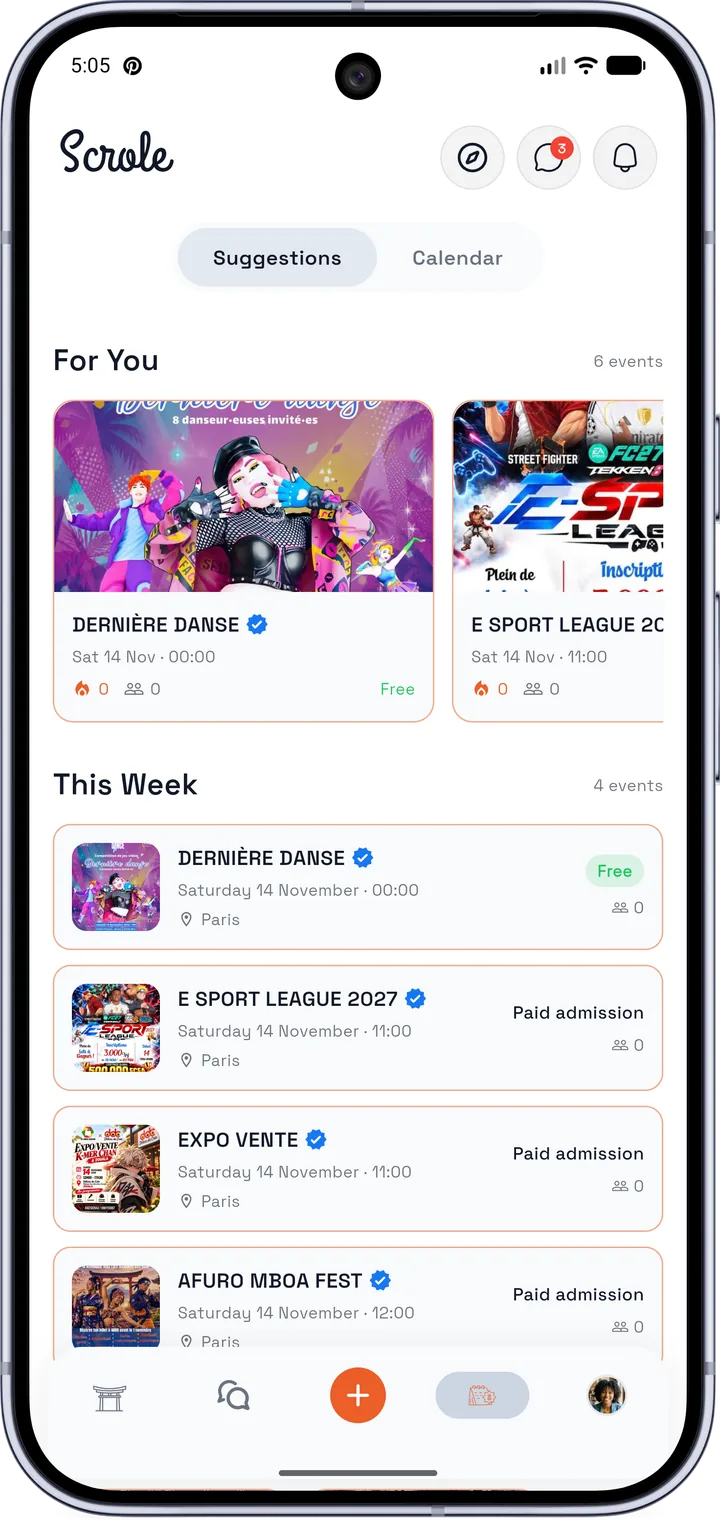
Find what’s on
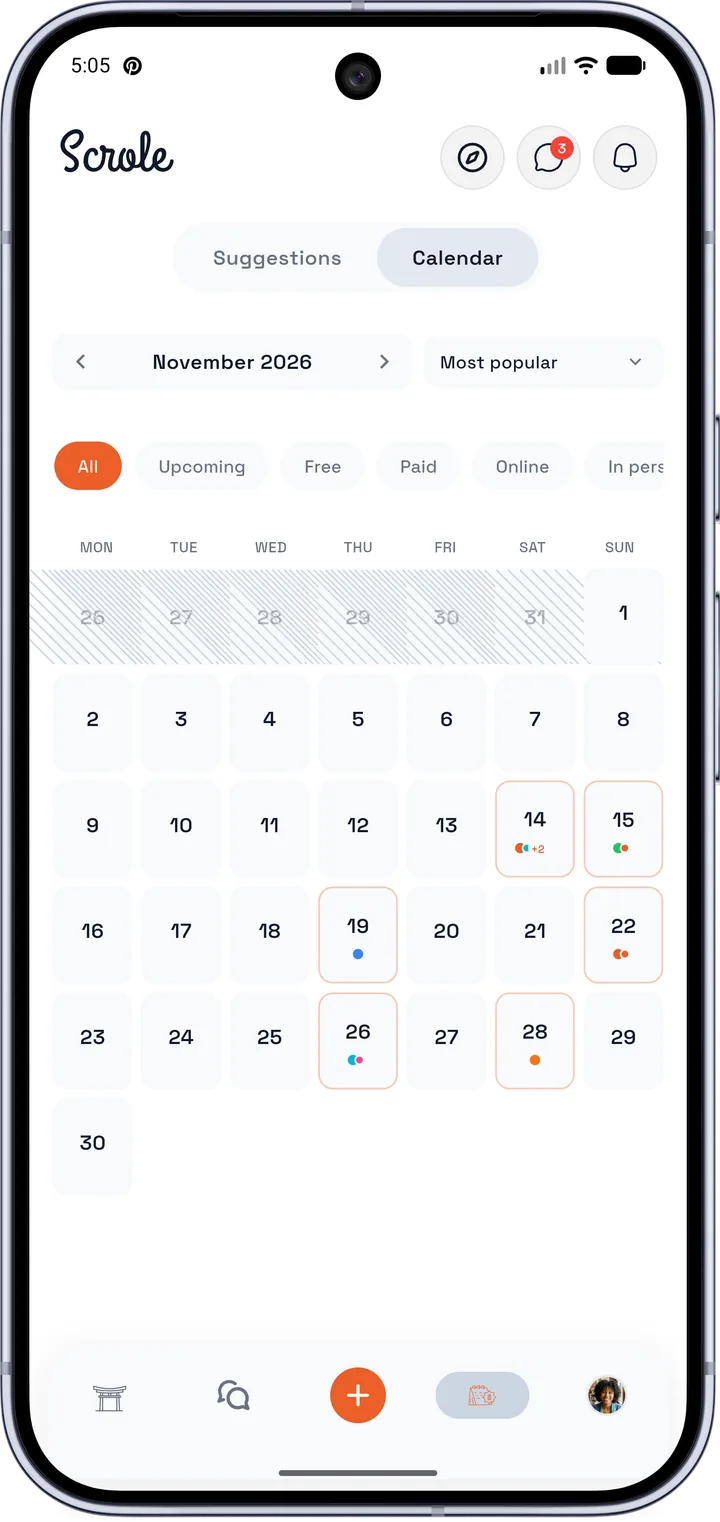
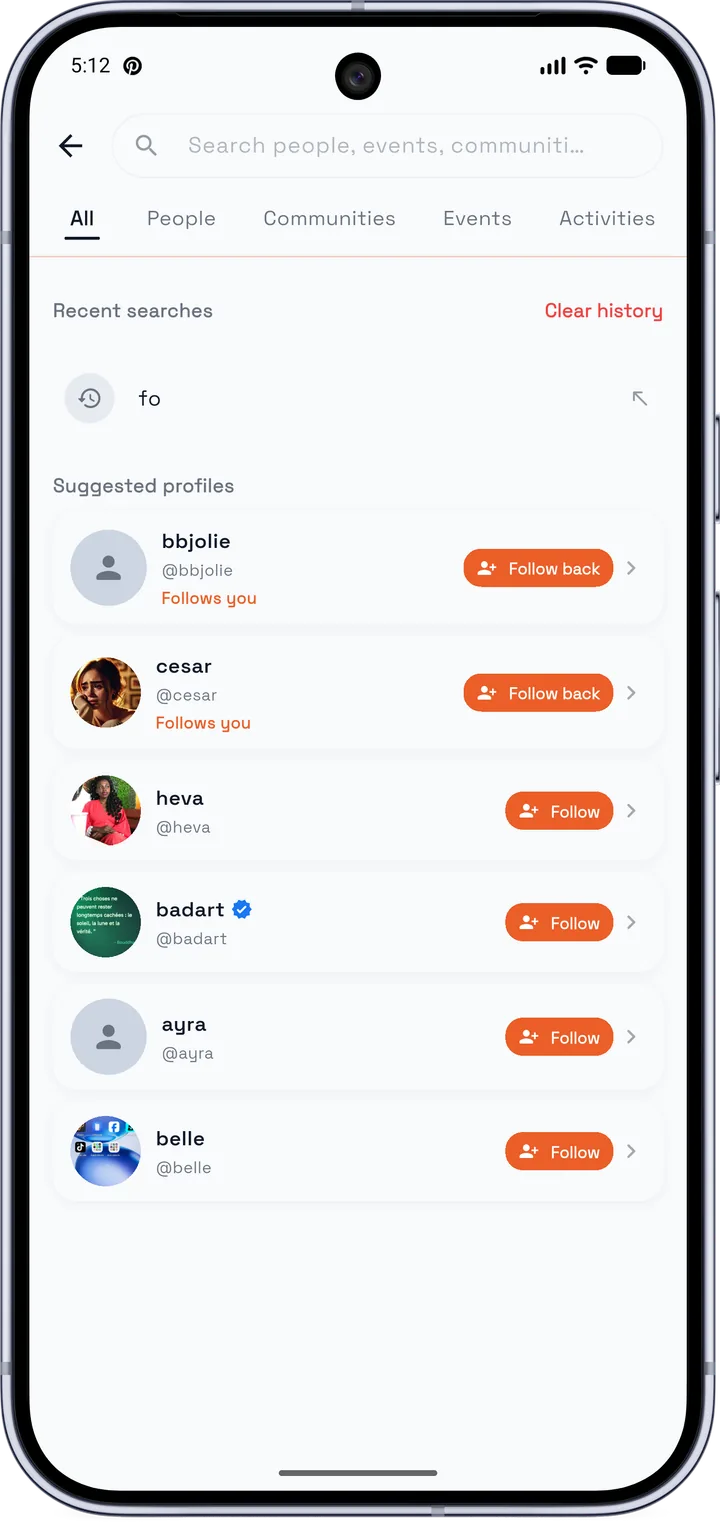
“For you” and “This week” suggestions, a monthly calendar with filters (free, paid, online, in person) and a search for people, communities, events and activities.
Plan your outing
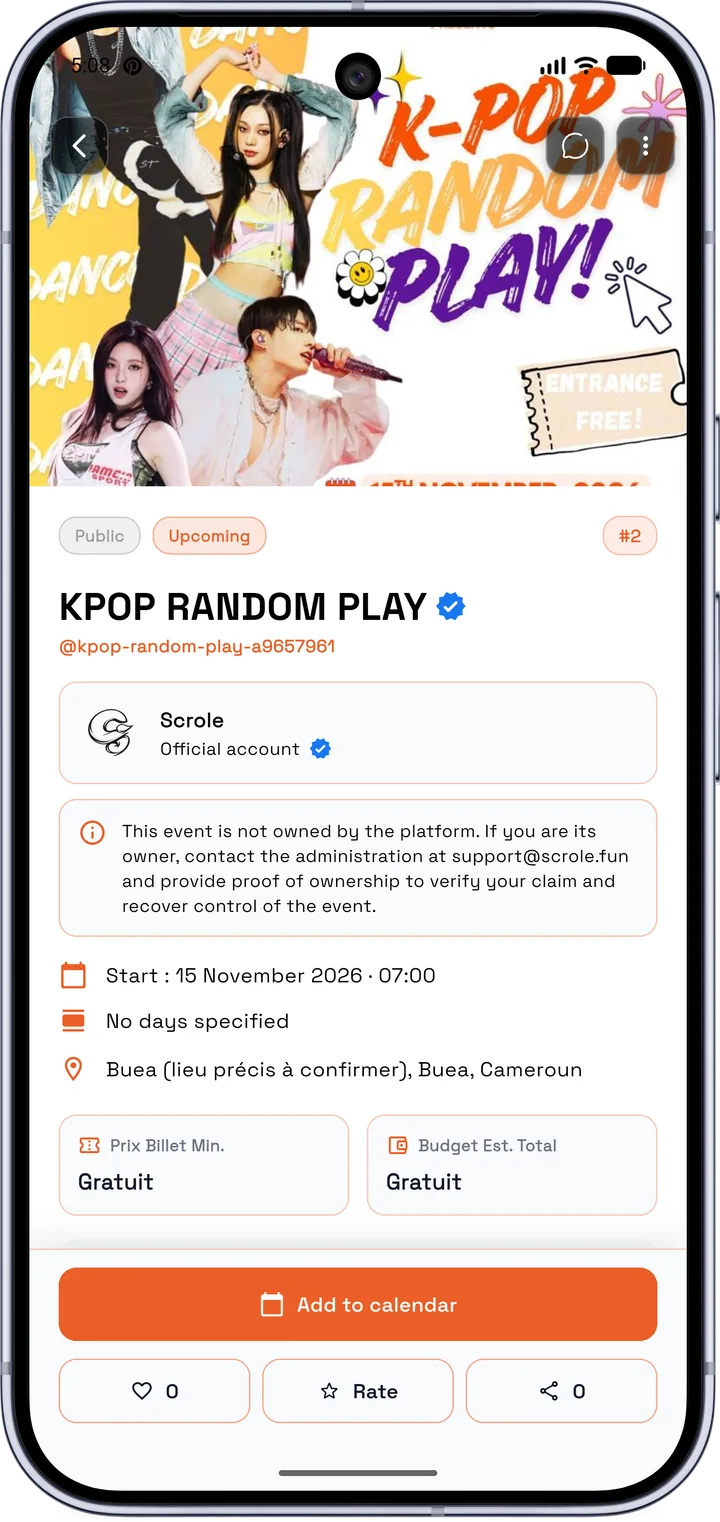
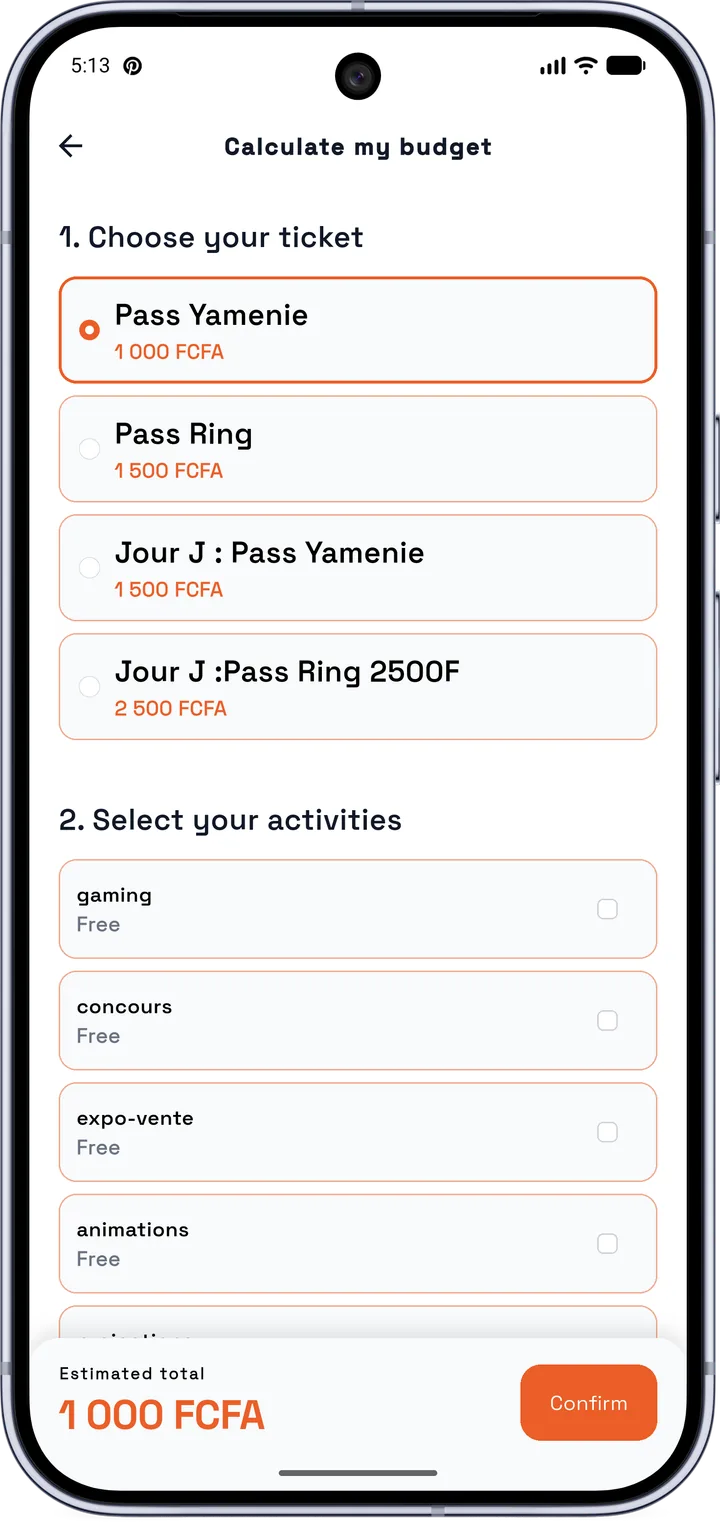
Date, place, ticket price: it’s all on the event page. Pick your pass and activities and Scrole works out your budget in FCFA.
Your agenda and your pass
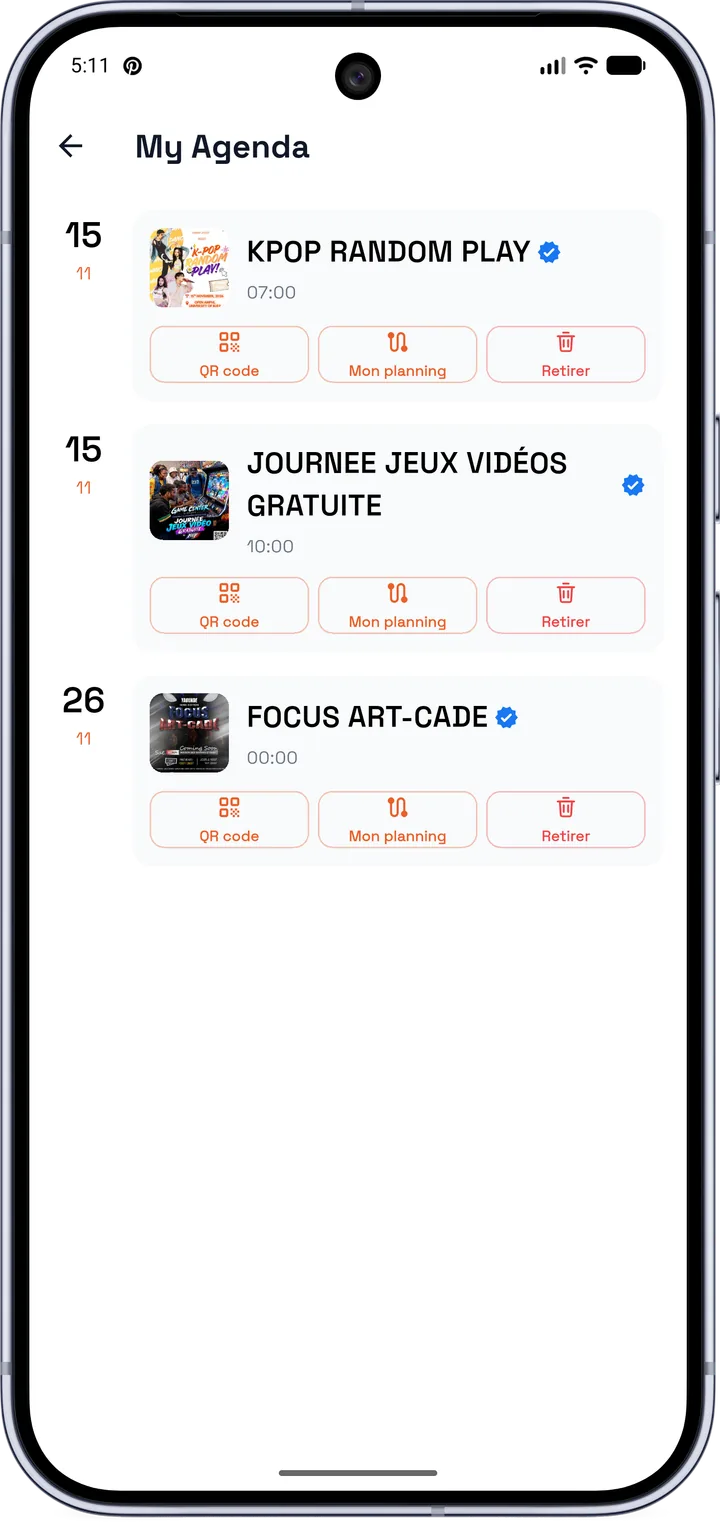
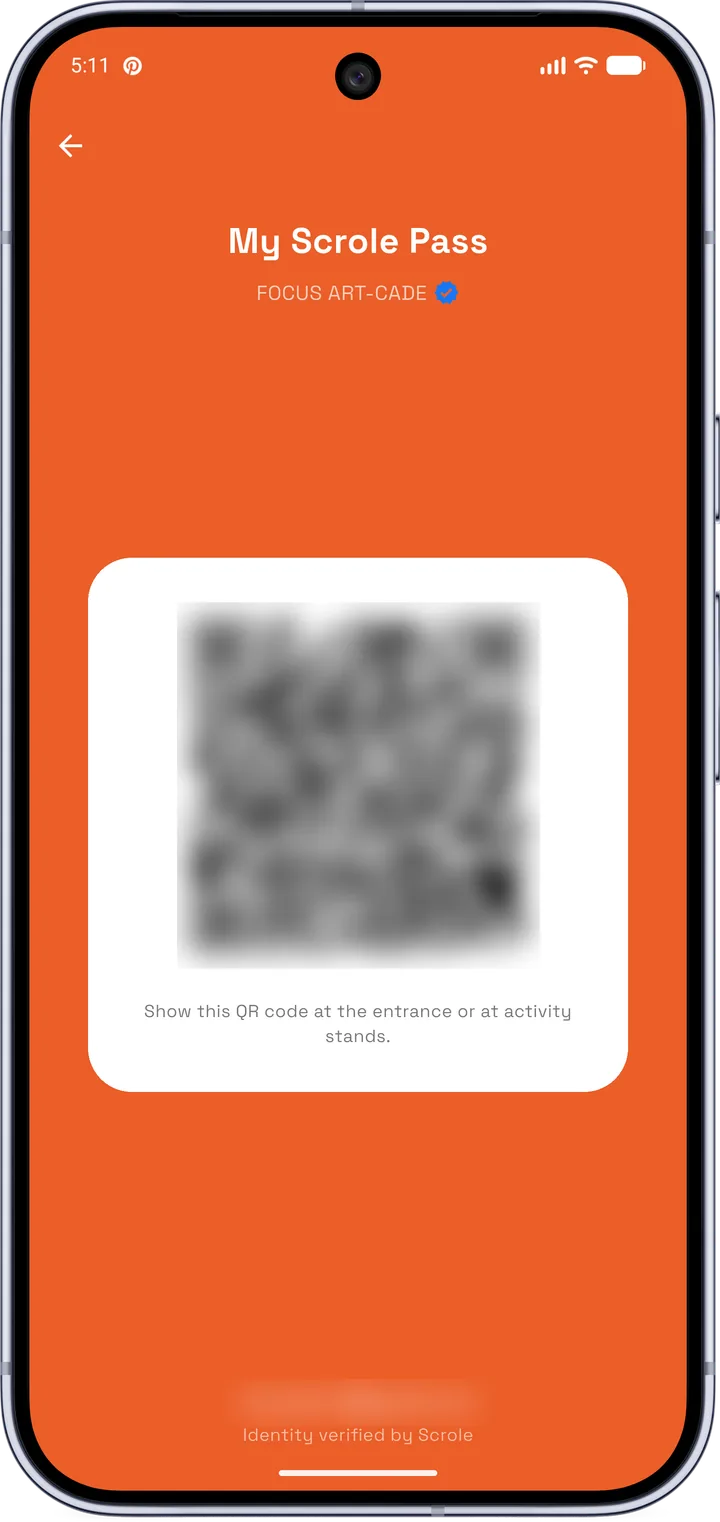
Add the event to your agenda in one tap. On the day, show your Scrole Pass (QR code) at the entrance or at activity stands.
React and rate
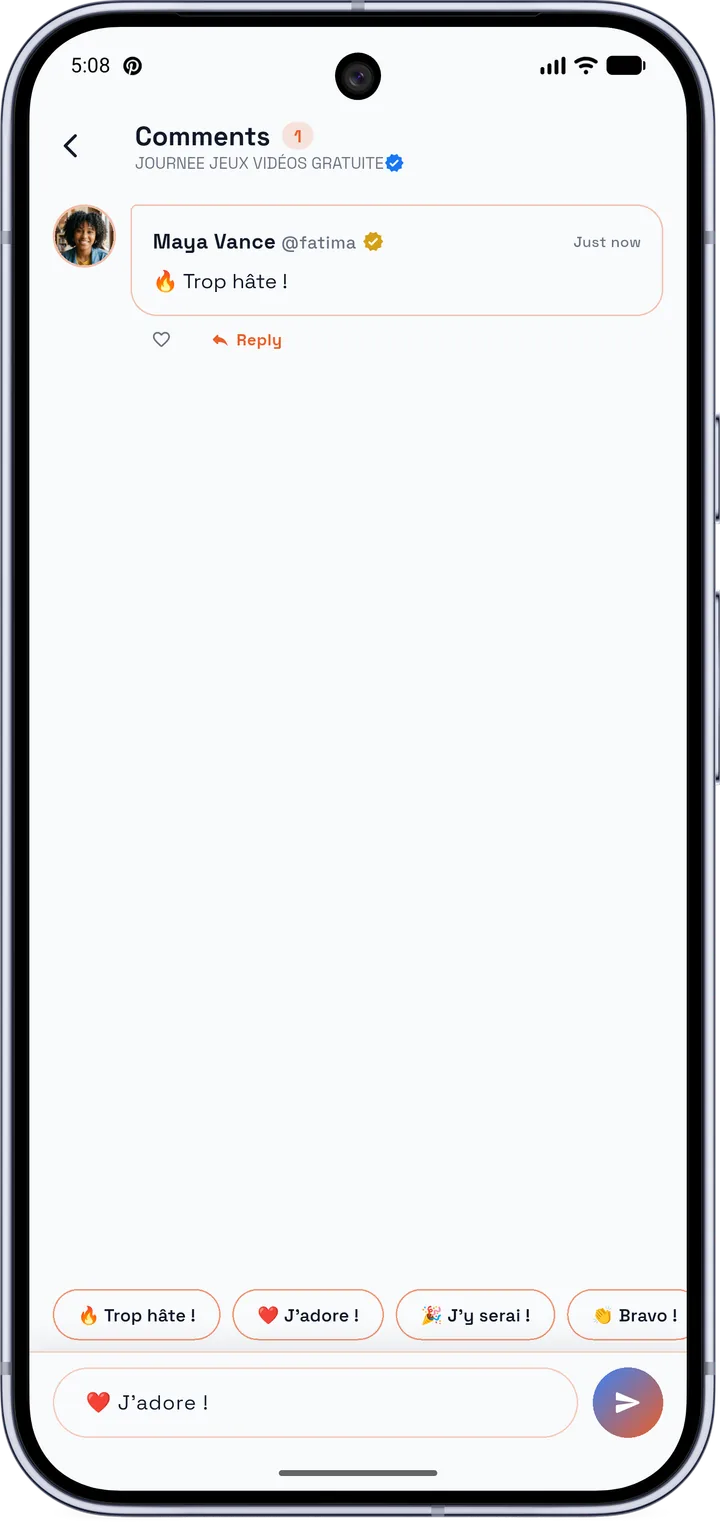
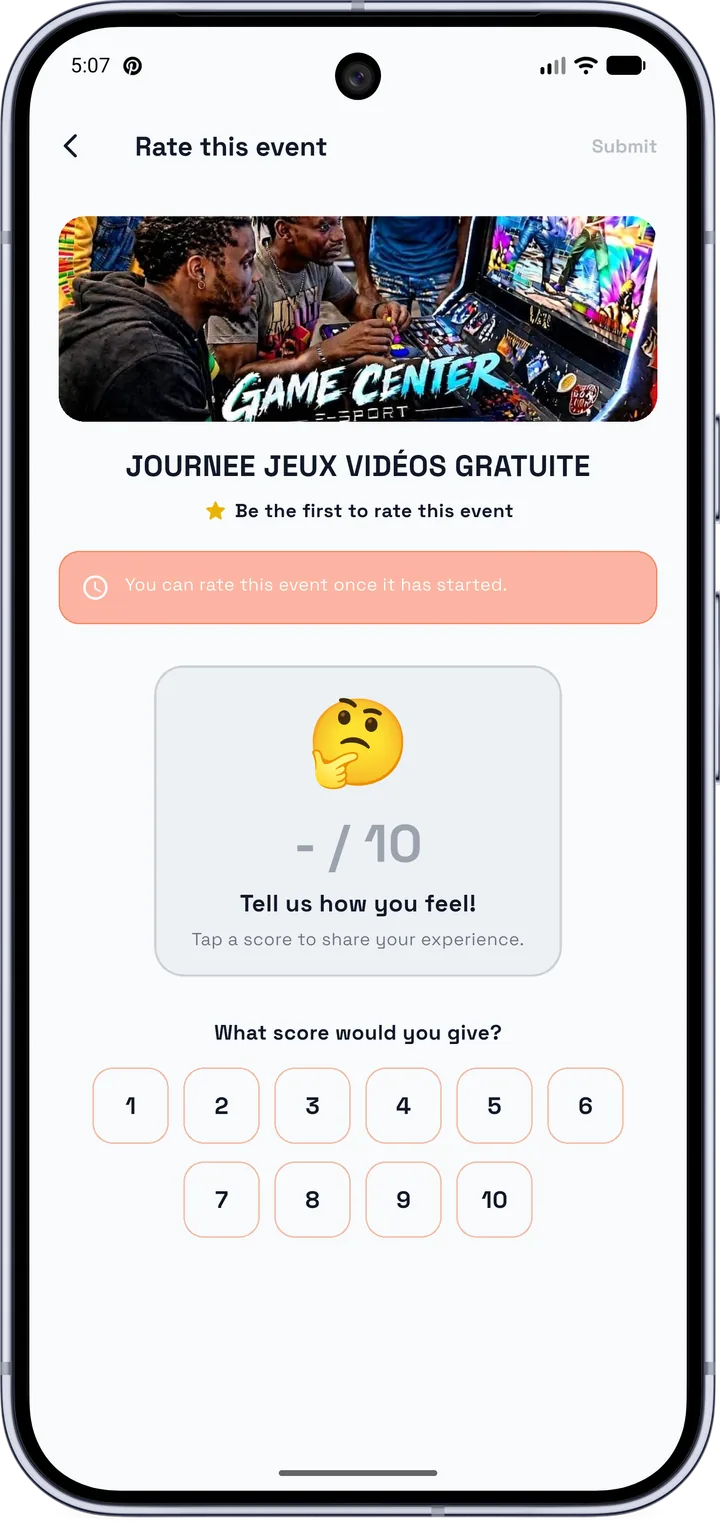
Comment with quick reactions, like the event, then rate it out of 10 once it has started.
Find your community
Join communities and chat in private messages with other attendees before you arrive.
App preview
A few Scrole screens.
Install Scrole in 2 minutes
Five steps. Menu names vary a little depending on the phone brand (Samsung, Tecno, Infinix, Xiaomi…).
Download
Tap “Download”. If Chrome says “this type of file can be harmful”, choose “Download anyway”.
Open the file
From the download notification or the “Downloads” folder.
Allow installation
Android asks you to let your browser install apps. Turn the option on, then go back.
Install
Tap “Install”. If Play Protect warns you, choose “More details” then “Install anyway”.
Open Scrole
You’re set. Create your account and discover events near you.
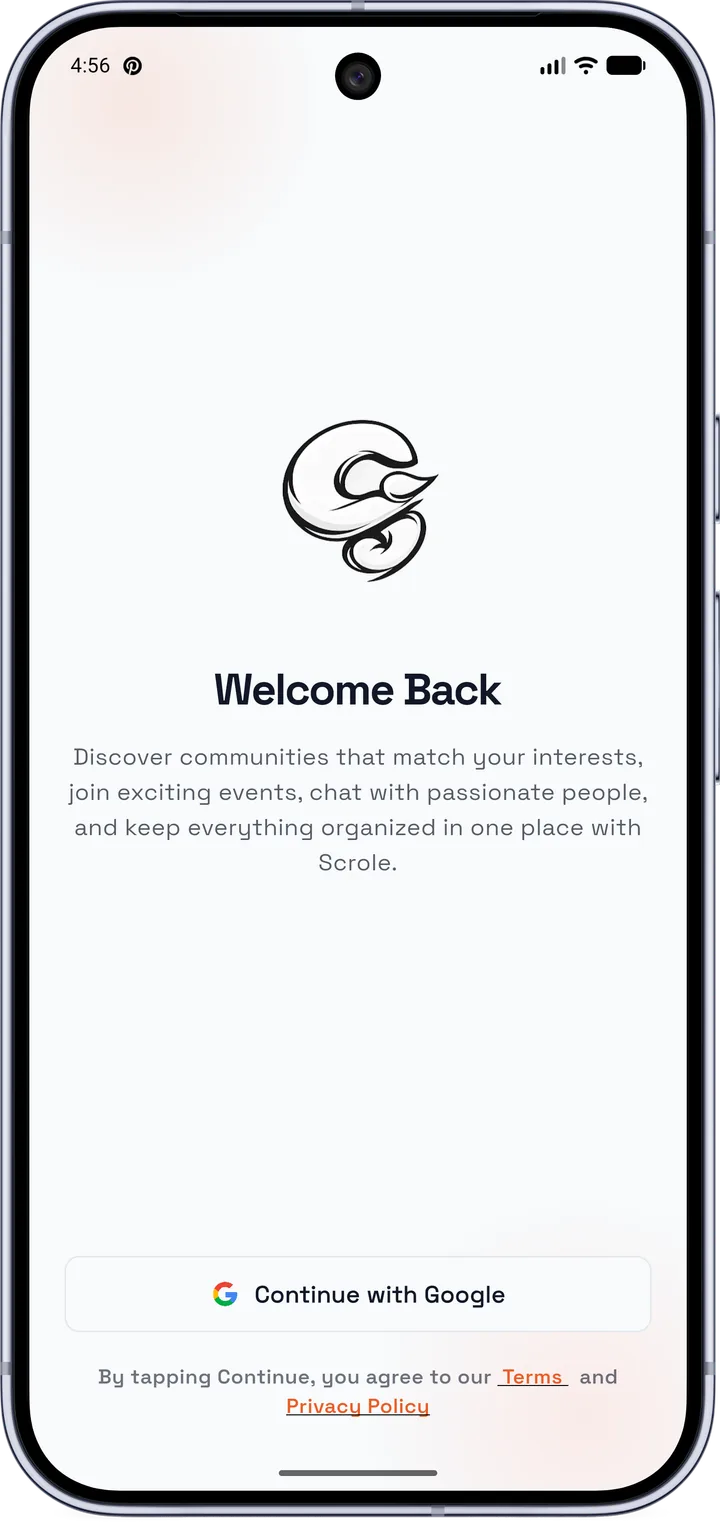
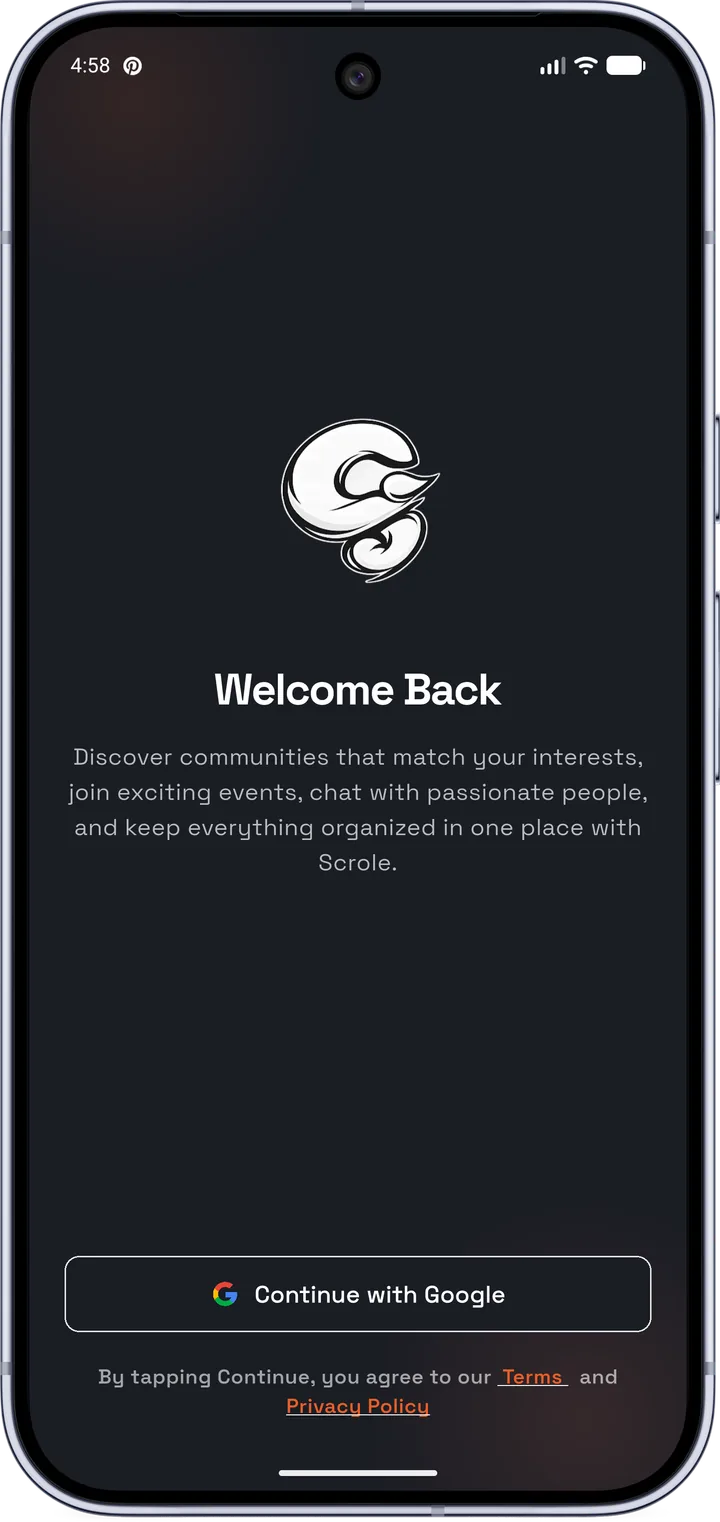
When you open it
Sign in with your Google account. You can choose the light or dark theme in settings.
Not working? Check the FAQ or write to support@scrole.fun.
Install with confidence
Android warns you about any app installed outside the Play Store. That is not a sign of danger in itself. Scrole will come to the Play Store as soon as possible.
The file
- Version
- 1.0.0
- Size
- 56,2 Mo
- Updated
- 10 nov. 2026
Permissions requested
| Internet | Connect and load the feed, events and messages. |
| Location | Show you events near you. |
| Camera | Scan QR codes and take photos in the app. |
| Microphone | Record voice messages. |
| Notifications | Notify you about events, messages and activities you care about. |
| Vibration | Vibrate with notifications. |
| Photos and videos | Pick images to post, or save them. |
Scrole asks for each permission when you need it. You can refuse, and change it anytime in Android settings.
You stay in control
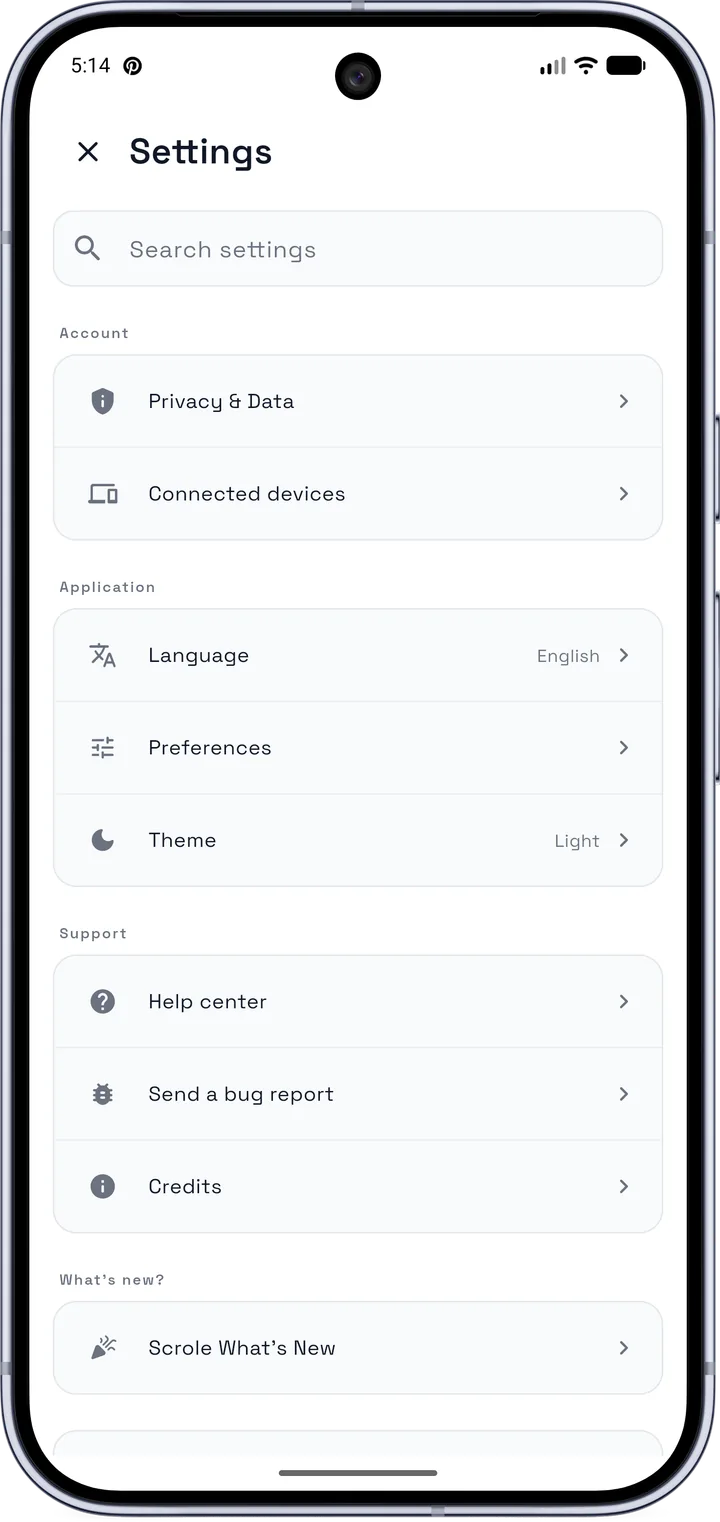
In settings, find privacy and data, connected devices, language and theme.
About Scrole
Scrole was born from a shared passion: otaku and geek culture. The app is made for fans in Cameroon and across Africa (anime, manga, video games, cosplay, K-pop, e-sport…) so they can connect more easily, find events near them and enjoy their passion together.
Stan Gabriel Neguem Tamo
alias « Black »
Ngono Mbala Anauld Janaut
alias « Masta Flex »
And other enthusiasts
who keep the project alive
Connect. Discover. Live otaku and geek culture.
Frequently asked questions
What is Scrole?
Scrole is an Android app for fans of otaku and geek culture (anime, manga, cosplay, video games, K-pop, e-sport). It lets you find events, join communities and chat with other fans, in Cameroon, across Africa and beyond.
How do I find otaku events near me?
Open Scrole: the “For you” and “This week” suggestions and the monthly calendar (free, paid, online and in-person filters) show you what’s on around you. You can also search for an event by name. Read the otaku events guide.
How do I join an otaku community?
Download Scrole, sign in with Google, then use search to find communities (anime, manga, cosplay, gaming…). Join the ones you like and chat with the members. Read the otaku community guide.
Is Scrole only for otakus?
No. Scrole is open to all fans of geek culture: anime, video games, K-pop, e-sport, cosplay…
Is Scrole safe to install?
Yes, as long as you download it from this site or our Aptoide page.
Why isn’t the app on the Play Store?
Scrole is in beta and we’re preparing its Play Store release. Meanwhile, the APK lets you try it right now.
The installation doesn’t work
Check that you allowed your browser to install apps (step 3) and that your phone has free space. If you see “app not installed”, remove any older version of Scrole and try again.
How do I update Scrole?
Through Aptoide, updates are automatic. With this site’s APK, download the latest version and install it over the old one: your data is kept.
What about iPhone?
For now, Scrole is only available on Android.
What happens to my data?
It is handled according to our privacy policy: read the policy.
How do I uninstall the app?
Long-press the Scrole icon and choose “Uninstall”, or go to Settings › Apps › Scrole.
I can’t find my answer
Write to us at support@scrole.fun.